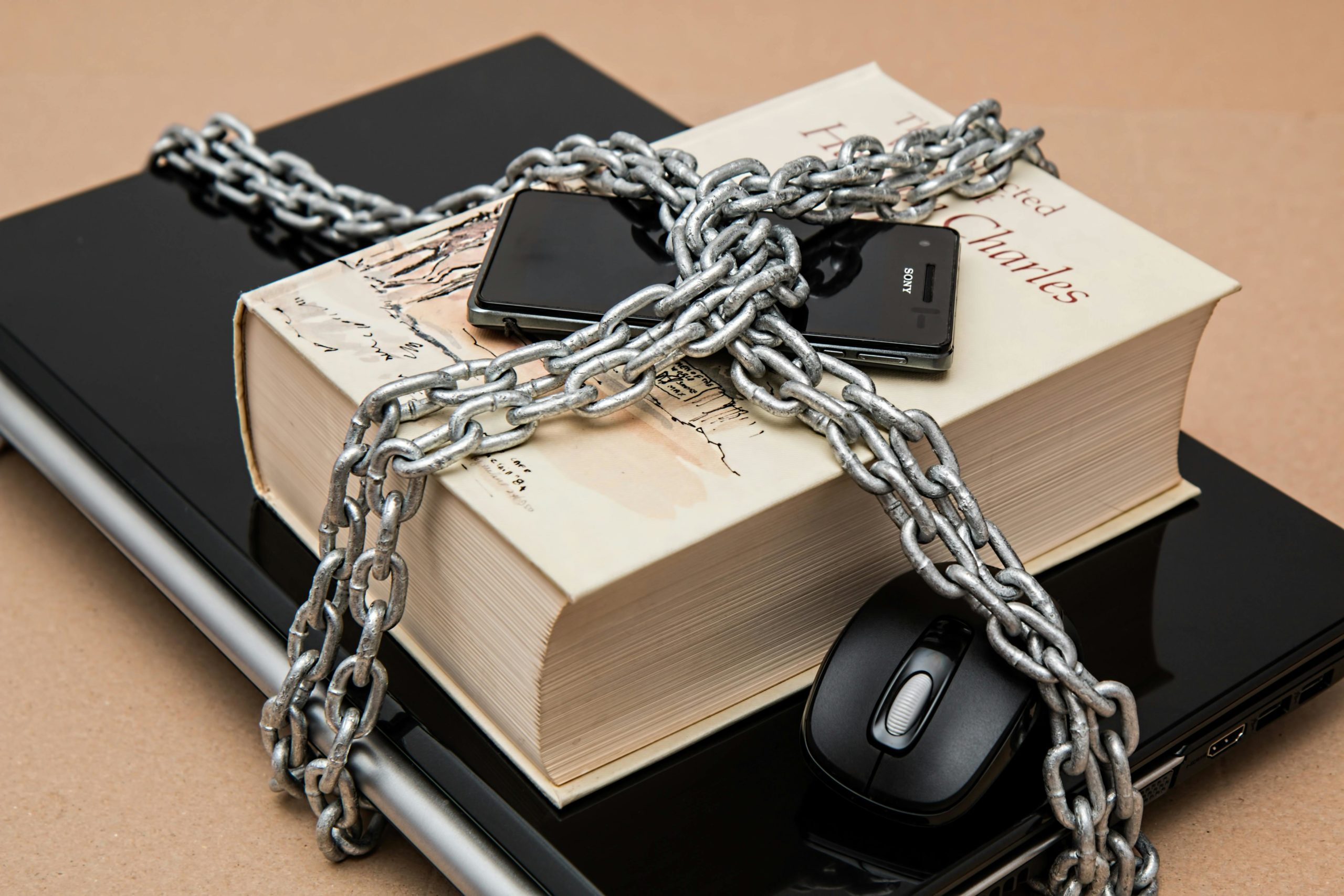
Cyber security isn’t just a “big business” problem anymore. In fact, small businesses are now some of the most common targets for scams, hacking attempts and data breaches. With so much of your day-to-day operations relying on digital systems — from payroll and bookkeeping to emails and online banking — it’s essential to make cyber safety a priority.
The ATO has shared some practical steps that any business, big or small, can take to strengthen security and protect sensitive information. Here’s what you can put in place today.
1. Use strong, unique passphrases
Short, simple passwords are no longer enough to keep your accounts safe. Instead, switch to long passphrases — combinations of words, numbers and symbols that are harder to guess but easier to remember.
For example: “BlueDogRunsFast@23”.
Avoid reusing passwords across multiple accounts. If one is compromised, everything becomes vulnerable. A password manager can also help keep track of unique passphrases securely.
2. Turn on multi-factor authentication (MFA)
MFA adds an essential extra layer of security. Even if someone manages to get your password, they still can’t access your account without the additional verification step — usually a code, app confirmation or physical token.
Most major platforms (including Xero, email providers, banking apps and government services) now support MFA. If you haven’t turned it on yet, make it a priority.
3. Keep devices and software up to date
Software updates aren’t just for new features — they patch security gaps that cyber criminals actively exploit.
Make sure you:
- Install updates on computers, tablets and phones promptly
- Keep antivirus programs active and current
- Update apps, browsers and operating systems regularly
A few minutes spent updating today can prevent major issues tomorrow.
4. Control staff access
Not every employee needs access to everything. Set up user permissions so staff can only view the systems or information necessary for their role.
When someone leaves your business, remove or disable their access immediately. Old logins are one of the easiest entry points for unauthorised access.
5. Back up your data
Regular backups protect you from hardware failure, ransomware attacks or accidental loss. Aim to back up to at least two places — for example:
- Encrypted cloud storage
- A secure external drive stored offline
Check your backups occasionally to ensure they’re working correctly.
6. Be cautious with emails and links
Phishing emails often look legitimate, and scammers are getting more sophisticated. Before clicking links or opening attachments:
- Double-check the sender’s address
- Hover over links to preview the destination
- Be wary of messages that create urgency or pressure
When in doubt, contact the sender directly using a known phone number or website.
7. Secure your Wi-Fi and online presence
Ensure your Wi-Fi is protected with a strong password, and avoid using public Wi-Fi for business logins or banking. If remote access is essential, consider a VPN.
Be mindful of what you share on social media — excessive business or personal details can make you an easier target for impersonation or scams.
8. Keep an eye out for unusual activity
Cyber issues often start small. Stay alert for red flags such as:
- Unexpected password change notifications
- Logins from unfamiliar locations
- Odd emails sent from your address
- Unexplained transactions or system behaviour
Catching problems early can prevent data loss or financial damage.
9. Stay informed
Cyber threats evolve quickly. Keep up to date with alerts and practical guidance from the Australian Cyber Security Centre (ACSC). Their resources are easy to follow and designed specifically for Australian businesses.
Protecting your business doesn’t need to be complicated
A few consistent habits can significantly improve your cyber security and help protect your data, your customers and your reputation.
If you’d like help reviewing your current systems or putting better cyber security practices in place, we’re here to support you.